
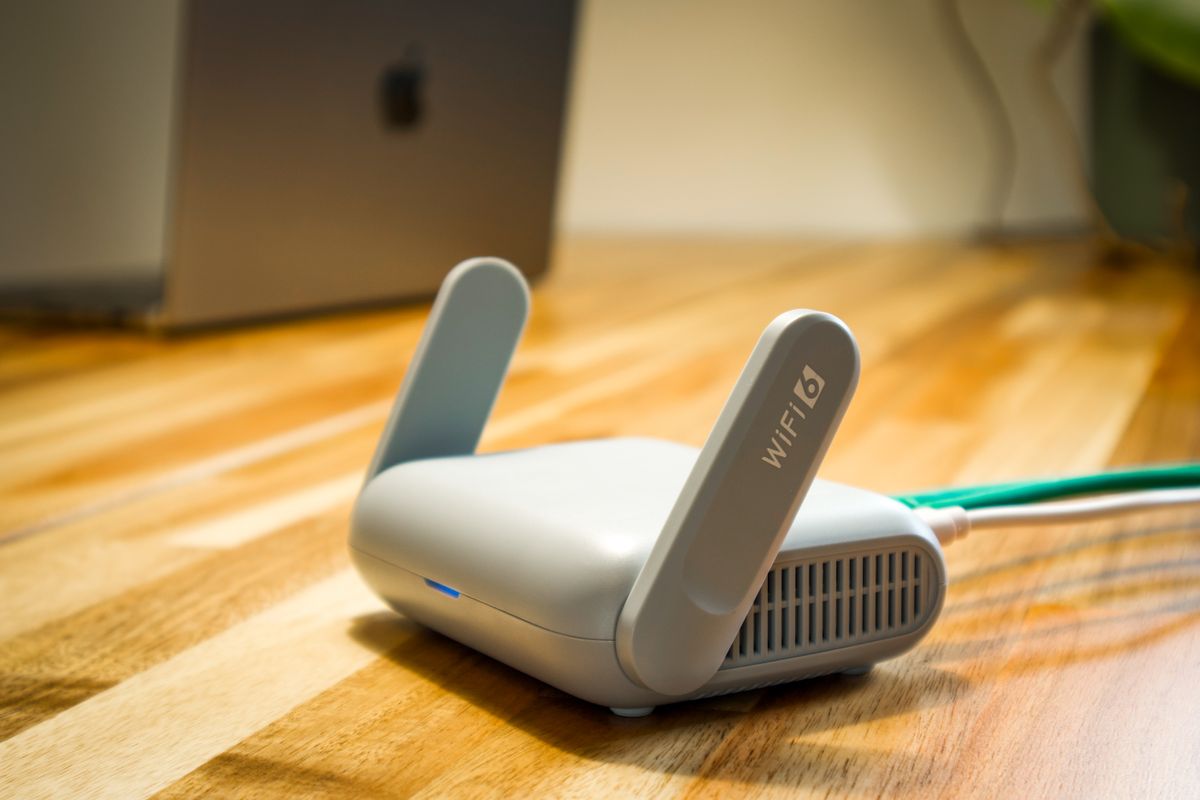
A monitoring display that stops updating does not always mean that generation has stopped. The monitoring connection and the electrical installation are related but separate parts of the system.
Collect information before reporting
Note the last update time and whether other internet services are working. Check only the normal user-facing indicators described in the handover instructions. Record any visible messages without opening equipment or changing technical settings.
Ask support to distinguish the cause
The service team may need to review connectivity, account access and equipment records. Provide the model details and the time the issue began. If there are abnormal equipment conditions or warnings, follow the manufacturer’s operating guidance and contact the appropriate professional promptly.
Separate a communications problem from a generation problem
First note the last update time, any app message and whether other internet services are working. Record changes such as a replaced router or moved networking equipment. The service team can then decide whether the issue concerns communications or the solar installation. Do not open enclosures or alter electrical settings to repair an app connection.
Your practical checklist
- Record the last successful update
- Capture user-visible messages safely
- Describe connectivity changes to the support team
Does a blank monitoring graph mean the system has stopped?
Not necessarily. A lost data connection can hide operation, so the equipment and communications need separate checks.
See real installation photographs and project highlights · Solar services in Pakistan